Proxmox Backup Failure Notifications with Gotify and PikaPods
Proxmox has a built-in notification system, but by default it only routes alerts to a local email address. I wanted backup failure alerts delivered to my phone as push notifications – without relying on email. This post covers how I set that up using Gotify hosted on PikaPods, wired into Proxmox’s notification targets and matchers.
The Setup
Gotify is a simple, self-hosted push notification server with Android and web clients. Rather than running it inside the homelab (where a network outage could take it down alongside Proxmox), I deployed it on PikaPods – the same external hosting platform I use for Uptime Kuma. This keeps the notification path independent of the home network.
The overall flow is:
Proxmox backup job fails
        |
        v
Proxmox Notification System
        |
        v
Gotify (PikaPods) -- push --> Gotify Android App
Deploying Gotify on PikaPods
Gotify is available as a one-click app on PikaPods. Once deployed, I created two applications inside Gotify – one for each Proxmox context sending notifications (the main cluster and the Proxmox Backup Server instance). Each application gets its own API token used to authenticate messages from Proxmox.
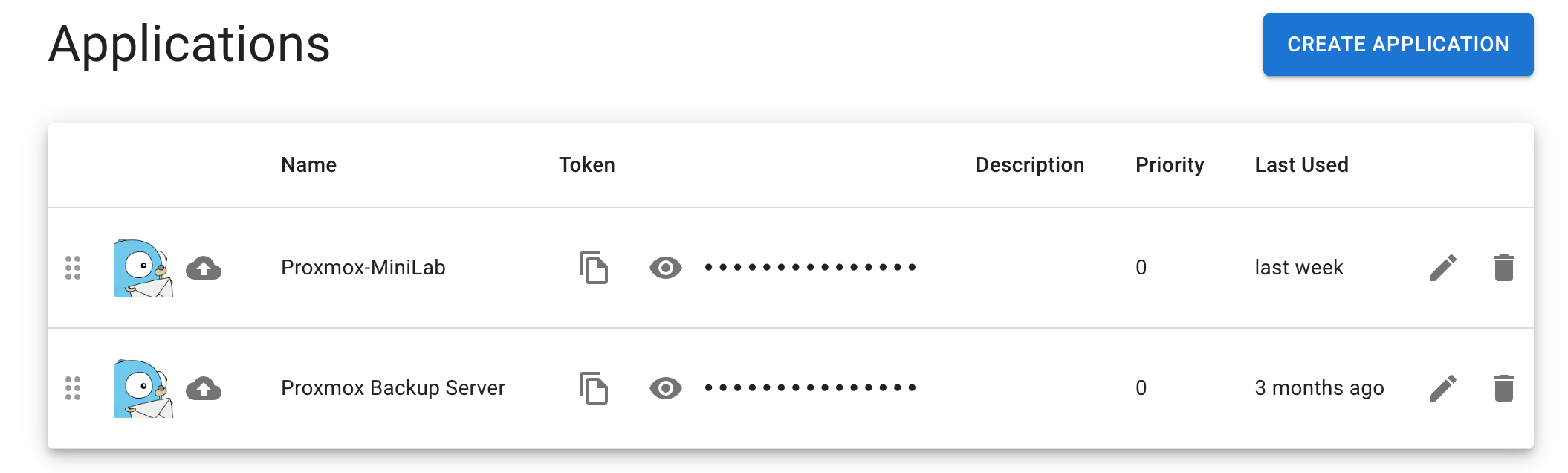
Two Gotify applications – one per Proxmox source, each with its own API token
Configuring Proxmox
Proxmox VE 8.x introduced a proper notification framework under Datacenter → Notifications, replacing the old per-job email configuration. It separates notification targets (where to send) from notification matchers (when to send and what to include).
Adding the Gotify Notification Target
Under Notification Targets, I added a new target of type Gotify named Pika-Gotify. The configuration requires the Gotify server URL and the API token from the application created above.
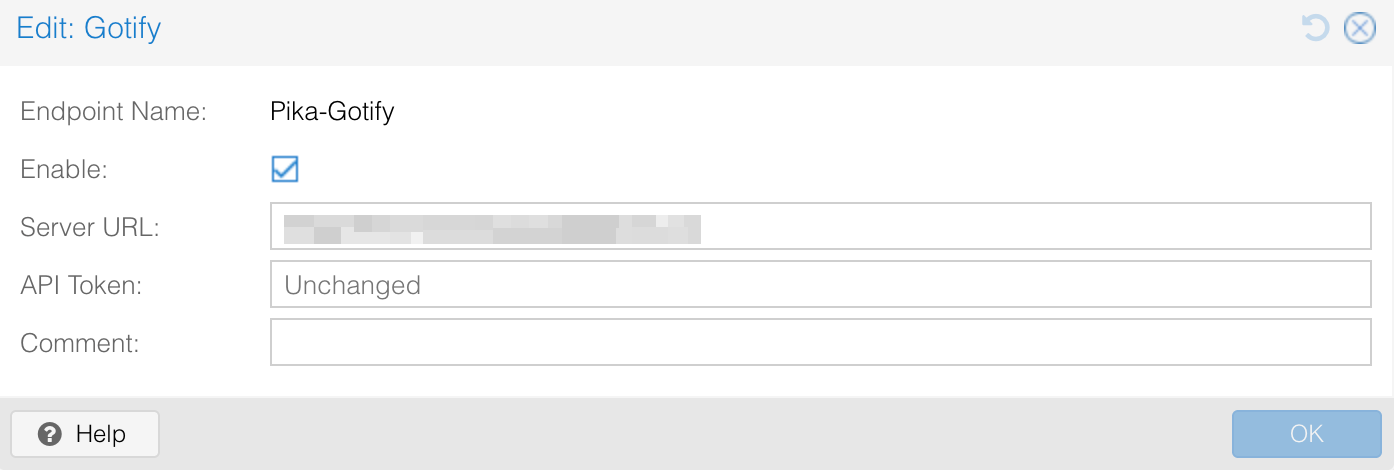
The Gotify notification target in Proxmox – endpoint name, server URL, and API token
Creating the Notification Matcher
With the target in place, I created a matcher named Backup-Failures to define when to fire. Matchers use a rule tree – this one requires both conditions to match:
- Match field:
type = vzdump(vzdump is Proxmox’s backup job type) - Match severity:
error
Together these mean: only trigger when a backup job produces an error. Successful backups and other job types are ignored.
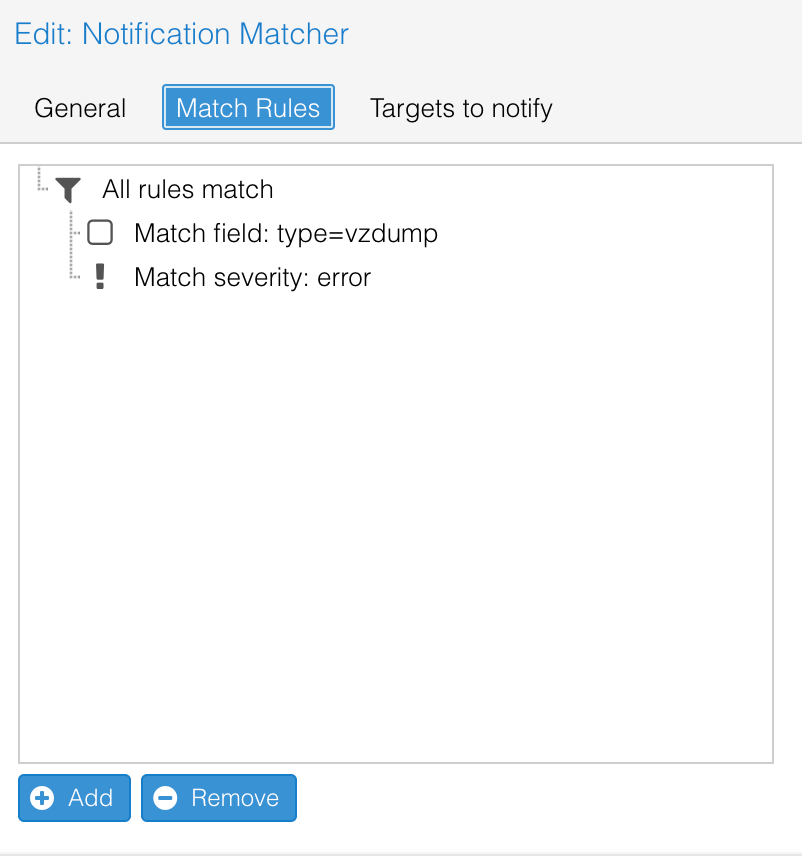
Match Rules – both conditions must be true: backup job type and error severity
On the Targets to notify tab, I selected Pika-Gotify as the destination.
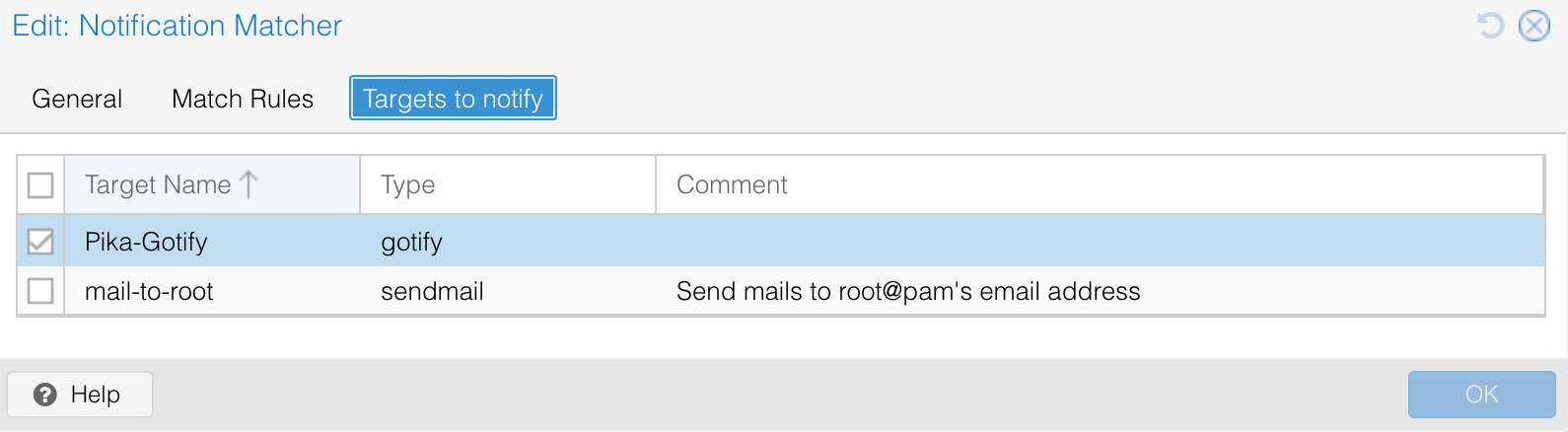
Pika-Gotify selected as the notification target for this matcher
The final notification overview shows both the target and matcher active alongside the built-in mail-to-root and default-matcher entries.
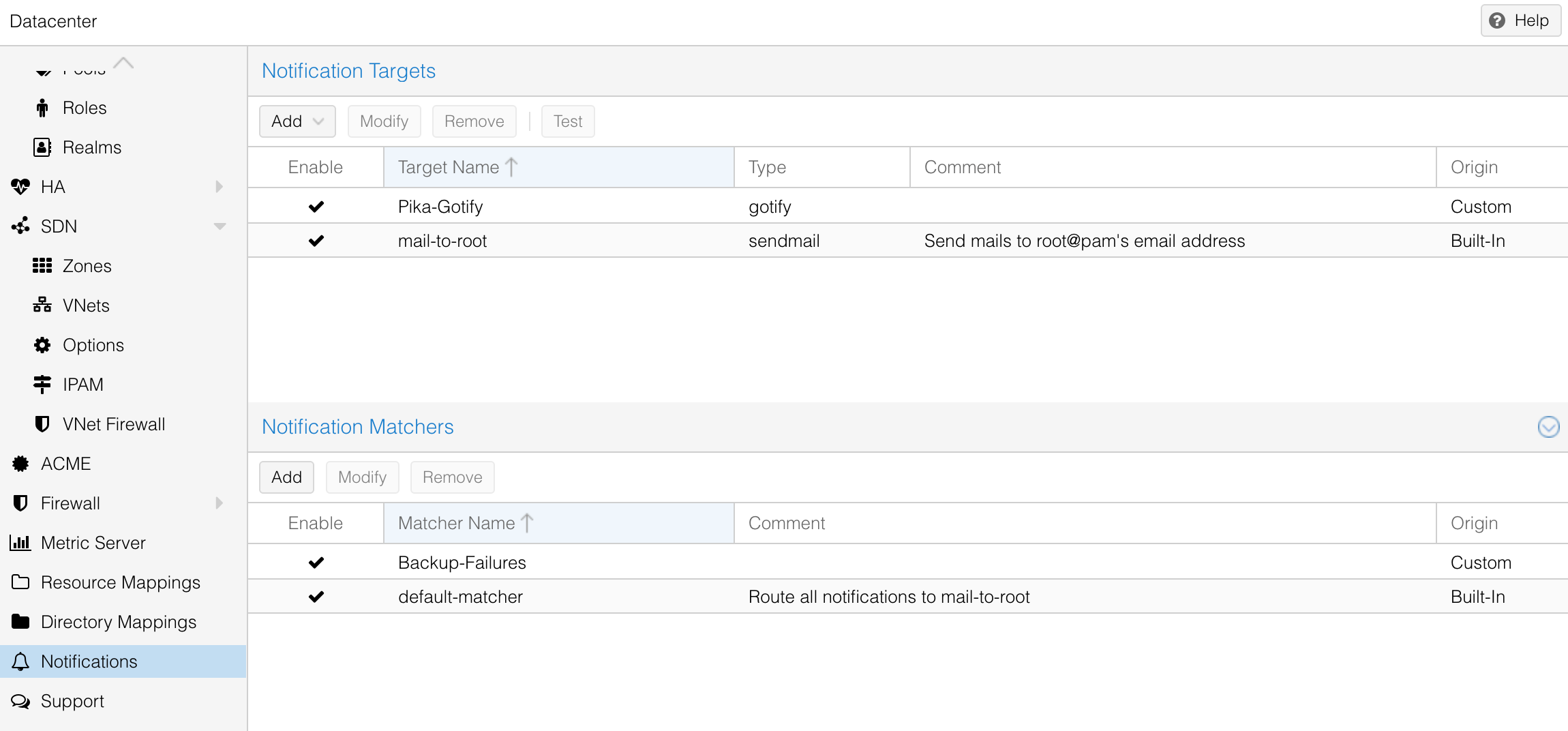
Notification targets and matchers – Pika-Gotify and Backup-Failures active alongside the built-in defaults
Mobile App
The Gotify Android app connects to the PikaPods instance and delivers notifications in real time. Once logged in, any message sent to either application shows up as a push notification on my phone – no polling, no email client needed.
Outcomes
| Notification delivery | Push via Gotify Android app |
| Hosting | PikaPods (external, independent of home network) |
| Trigger condition | vzdump job with error severity |
| Proxmox integration | Built-in notification targets and matchers (PVE 8.x) |
| Applications | Proxmox-MiniLab, Proxmox Backup Server |