MetaCTF - Security Services
Client-side password validation with per-character SHA-512 hashing. The password was recoverable by brute-forcing each character independently against the hash array exposed in the page source.
Challenge
Platform: MetaCTF Category: Web Exploit Points: 50
The challenge linked to a login page for a fictional company called “Security Services - Trusted by thousands of clients!”
Looking at the challenge description, the word “client” appeared repeatedly - “real clients”, “you as the client”, “thousands of real clients”. This was a deliberate hint pointing toward a client-side attack rather than anything server-side.
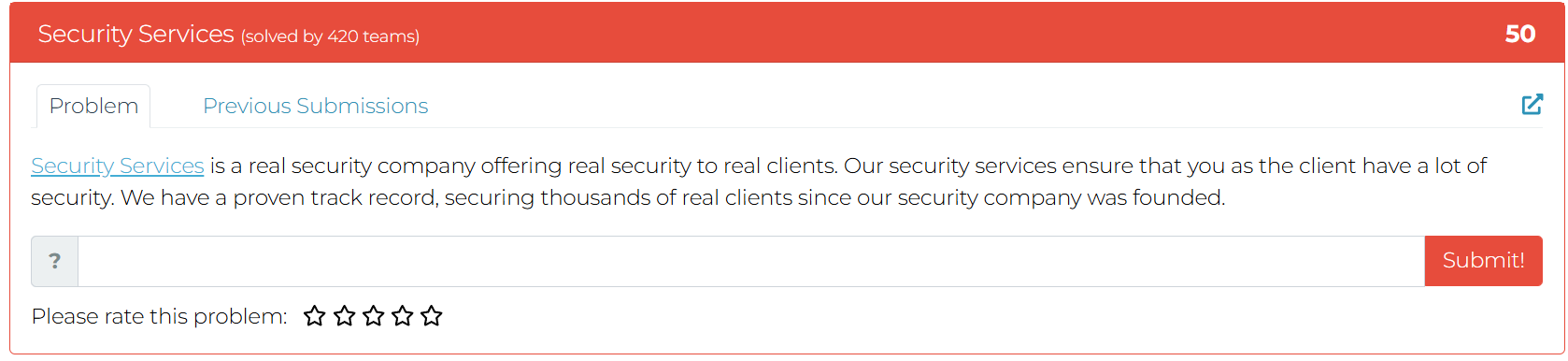
Challenge card – 50 points, solved by 420 teams
Reconnaissance
Opening the page source immediately revealed two things.
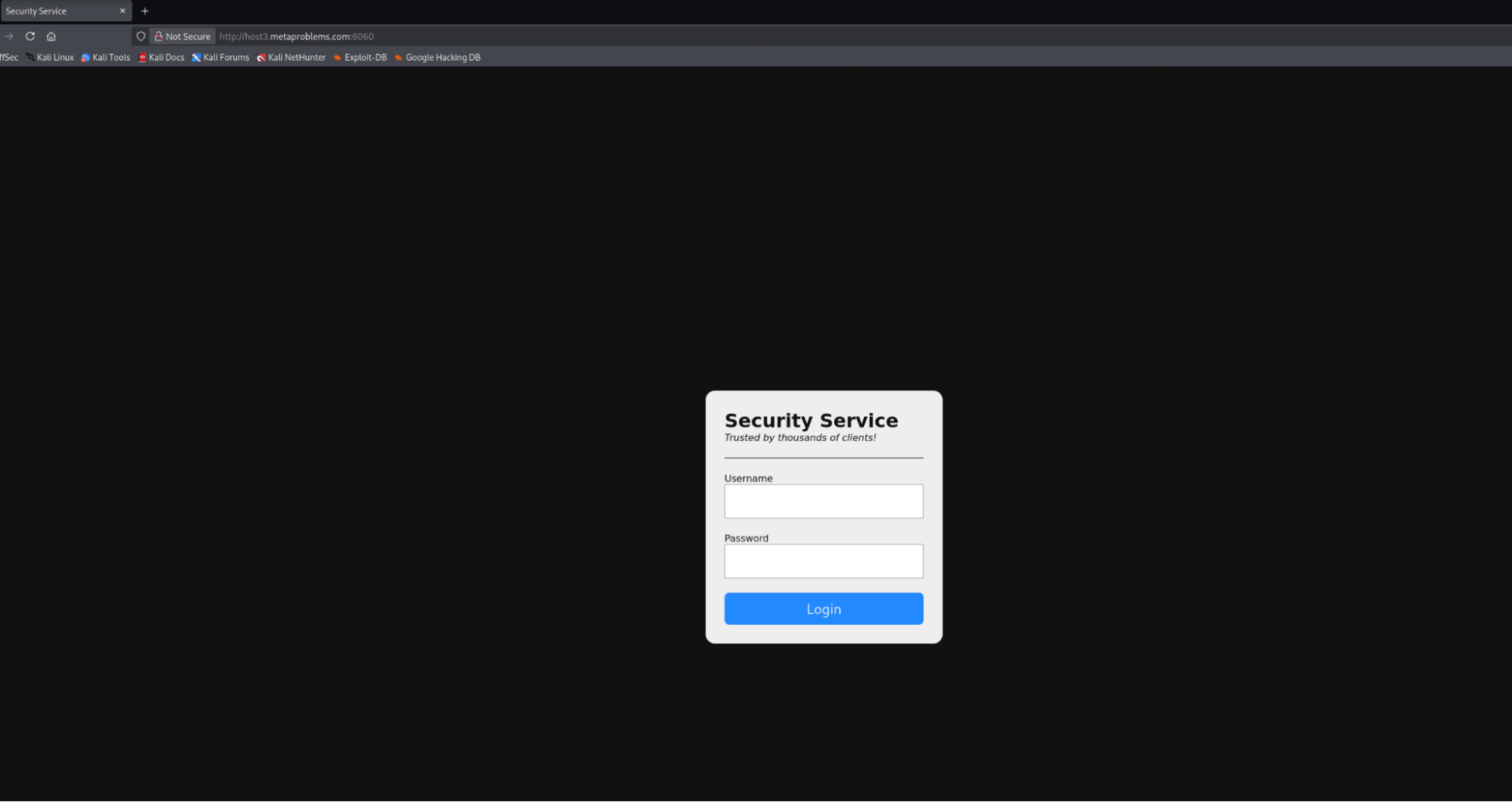
The challenge login page
First, the username check was hardcoded:
1if (username === 'client' && await check(password)) {
2    container.innerHTML = '<h1>Security Status</h1><hr><p>you are very secure</p>'
3} else {

Username hardcoded to ‘client’ in the client-side validation logic
Username: client. No guessing needed.
Second, the password validation logic was fully client-side in the check function:
 1const check = async (password) => {
 2    if (password.length !== lmao.length)
 3        return false
 4
 5    const hash = [...password].map((char) =>
 6        shajs('sha512')
 7            .update('SECURITY' + char + 'SECURITY')
 8            .digest('hex')
 9    )
10
11    return hash.every((h, i) => h === lmao[i])
12}
The variable lmao was an array of 61 SHA-512 hashes also defined in the page source, immediately revealing the password length.
Full Source (script.js)
The entire authentication logic was contained in a single script loaded by the page:
 1const lmao = [
 2    'a24bfc1745d525b08684283447f7726466b89816534e48663766e463e98b5c06e0899ce5fea079b7b8025c079a123ca9c68170e68f4742976a3917576743ef9c',
 3    '67a67e62c2b780aa3ad8d4989d2a6c01e3b2a3546b3f35127b8a8dc5ec849749e976edbc66ce8e5c4d8ce97fbae28a0b2abf72e4d2b0a478a80e014d26e53dc0',
 4    '7f4f3329c56608986ecf1fa51605553c05c63ee545340429e7caf54941df8fc866cc81ce2d3a406ec69d69acaf9c39c373407df398e4a4fc7126224d202fc7b6',
 5    // ... 61 hashes total
 6    '9e8eb155afd46416ef8c2bd764c91e184cf12f1bcde15ba1d7fcc41662b321277416803f3e8aa9223fcb7e4e6560e4a7c9e9c8d1c2f2abe0eb4ca85ad92b6817',
 7]
 8
 9const container = document.querySelector('.container')
10const form = document.querySelector('#login')
11
12const check = async (password) => {
13    if (password.length !== lmao.length) return false
14    const hash = [...password].map((char) => shajs('sha512').update('SECURITY' + char + 'SECURITY').digest('hex'))
15    return hash.every((h, i) => h === lmao[i])
16}
17
18form.addEventListener('submit', async (e) => {
19    e.preventDefault()
20    const formData = new FormData(form)
21    const username = formData.get('username')
22    const password = formData.get('password')
23
24    if (username === 'client' && await check(password)) {
25        container.innerHTML = '<h1>Security Status</h1><hr><p>you are very secure</p>'
26    } else {
27        container.classList.remove('error')
28        container.offsetWidth
29        container.classList.add('error')
30    }
31})
Everything needed to recover the flag is here: the hash array, the hashing scheme, and the username. No server request is ever made - the submit handler runs entirely in the browser.
Vulnerability
The validation scheme hashes each character of the password individually using the pattern:
sha512("SECURITY" + char + "SECURITY")
Then it compares each resulting hash against the corresponding entry in lmao[] position by position.
This is fundamentally broken. Because each character is hashed independently and the hash array is exposed client-side, the password can be cracked one character at a time. There is no interaction between characters, no salt per position, and no server-side verification - the entire secret is derivable from the page source alone.
Bypass Attempt
Before cracking the password, a quick bypass was tried by submitting with an empty or arbitrary password. The page returned the success message, but the flag was not displayed - it appeared the actual flag was the password itself.
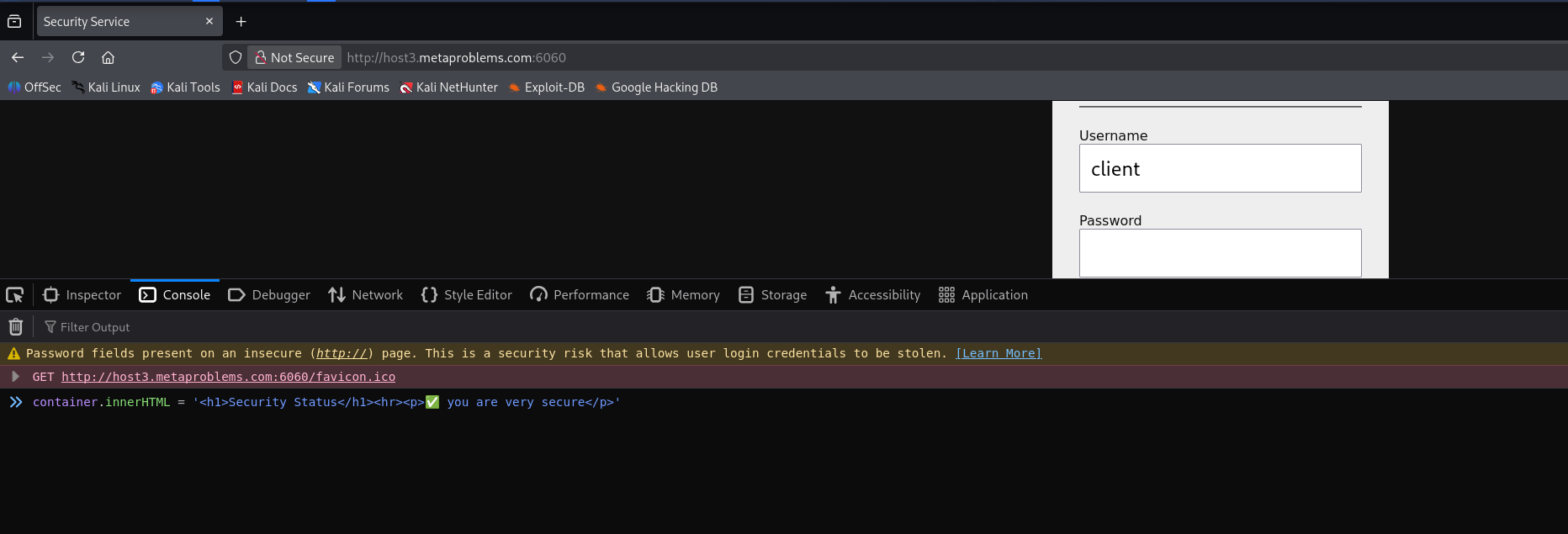
Login bypass worked, but the flag was not here – the password itself was the flag
Cracking the Password
Since each character hashes independently, the crack script just iterates through a charset, hashes each candidate against the known format, and compares to lmao[i] for each position:
 1const chars = "abcdefghijklmnopqrstuvwxyzABCDEFGHIJKLMNOPQRSTUVWXYZ0123456789{}_!@#$%^&*()-=+[]";
 2
 3async function crack() {
 4    let password = "";
 5
 6    for (let i = 0; i < lmao.length; i++) {
 7        for (let c of chars) {
 8            const h = shajs('sha512')
 9                .update('SECURITY' + c + 'SECURITY')
10                .digest('hex');
11
12            if (h === lmao[i]) {
13                password += c;
14                console.log(`Found char ${i}: ${c}`);
15                break;
16            }
17        }
18    }
19
20    console.log("Password:", password);
21}
22
23crack();
This was run directly in the browser console on the challenge page, where lmao and shajs were already in scope.
Result
Password: MetaCTF{[redacted]}

crack() running in the browser console – password recovered in full
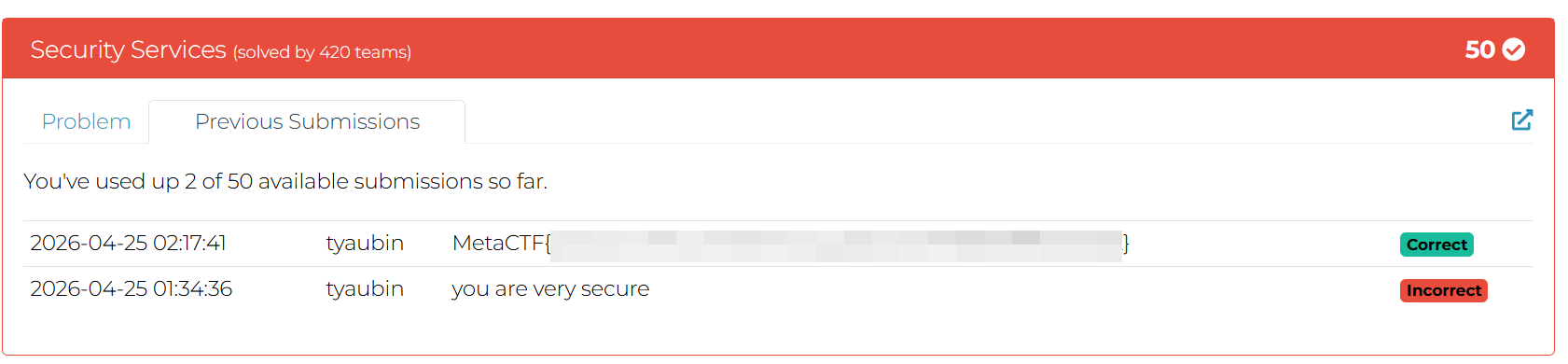
Challenge marked solved after submitting the flag
Takeaways
- Never perform authentication client-side. Any logic running in the browser is fully visible and controllable by the user.
- Hashing characters individually destroys the entropy of the full password - it reduces the problem from cracking a full hash to cracking N single-character hashes independently.
- Exposing the hash array in the page source is equivalent to exposing the password.